Android app
For smartphones and tablets with Android 7.0 or later.
Download APKDuring installation, Android asks once whether apps from this source are allowed.
 Open in browser
Download
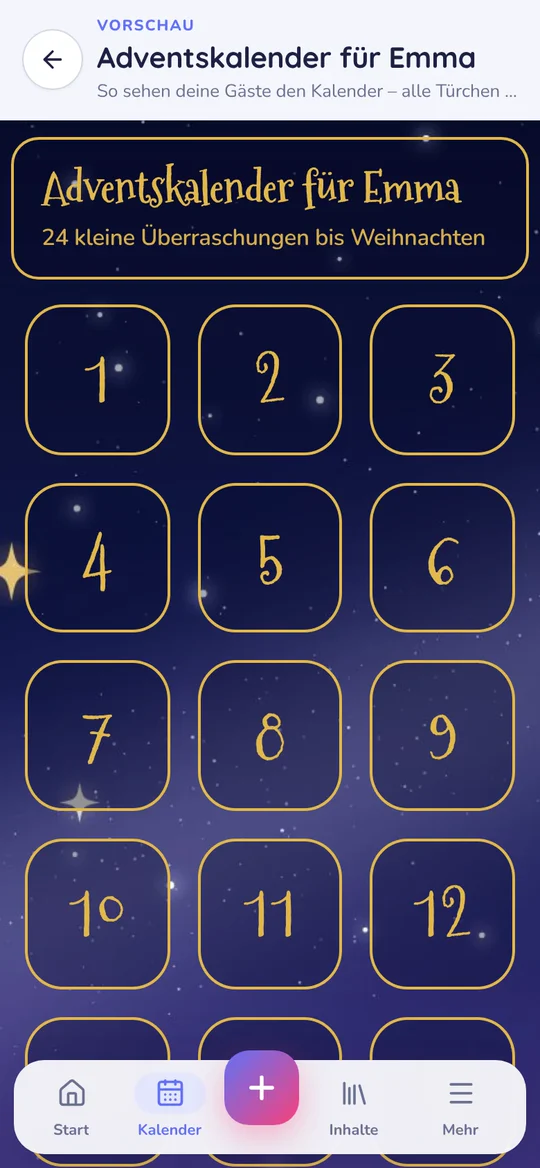
Calendar4u is also available as an app – with your account and your calendars, just like in the browser.
The right app for your Android device is listed first – with your account and your calendars, just like in the browser.
The right app for your Windows PC is listed first – with your account and your calendars, just like in the browser.
On iPhone and iPad, Calendar4u runs in the browser: in Safari, choose “Share” › “Add to Home Screen”, and Calendar4u will start like an app. The apps are for your other devices.
There’s no dedicated app for your device – Calendar4u runs right in the browser. The apps are for your other devices.
For smartphones and tablets with Android 7.0 or later.
Download APKDuring installation, Android asks once whether apps from this source are allowed.
For Windows 10 (version 1809 or later) and Windows 11, 64-bit. No administrator rights needed to install.
Download installerIf Windows shows a warning: “More info” › “Run anyway”.
On any device – including iPhone, iPad, Mac and Linux. Nothing to install, start right away.
Open in browserTip for iPhone and iPad: in Safari, “Share” › “Add to Home Screen” – and Calendar4u starts like an app.
In three steps
Good to know
The app and the browser show the same calendars – whatever you change on one device is right there on all of them.
When it starts, the app checks for a new version and offers you the update.
Calendar4u costs nothing – in the app just like in the browser.